Losing memories is always a bad thing. It's not about the disease here - no, no. But we're all exposed to it. Whether it's a computer disk, damaged phone or failed memory card. would like to share the experience below how to minimize the chance of data loss from the last one. CHAPTERS: 1. WHY FLASH CARDS ARE FAILING? 2. WHICH MEMORY CARD? 3. DELETING PHOTOS OR FORMAT? 4. RECORDING ON MULTIPLE CARDS 5. SUMMARY 6. GALLERY Quite a sad fact, but sometimes the cards break. In my shooting history I have had several cases of photo loss - it may happen through the permanent destruction of electronics on the card, whether it is a loss of several photos on the card, or the fact that the card has physically fallen apart.
 1/50 sec F11 ISO 100
 Firstly: Cheap cards. Poor quality electronics break down much more often and faster, which is obvious and this theory works not only in this category. However, not only the problem is in electronics - algorithms are also a problem. Cards, SSDs or flash drives work on a similar principle - based on flash memory. These memories are electronically composed of memory sectors where the machine writes data. Each of these sectors can save data a certain number of times and after a while it may turn out that they will start to fail. We will start to lose data bits, which will translate into damaged individual files, but the control files (set during formatting) may also be damaged and the whole card will stop working. Good algorithms control the distribution of data, using relatively evenly all sectors. Thanks to this, sectors age evenly, instead of saving files constantly in the same places, which significantly increases life of the device. Secondly: As you can guess, not only electronics can fail ... The photo below shows my Eye-Fi SD (Secure Digital) card. An interesting fact is that this small SD card had a Wi-fi transmitter. The high price of the card did not help - the card housing fell apart very quickly, although I did not have to remove the card too often. It was an additional card in the camera, used to send preview photos to the computer during photo sessions in the studio.
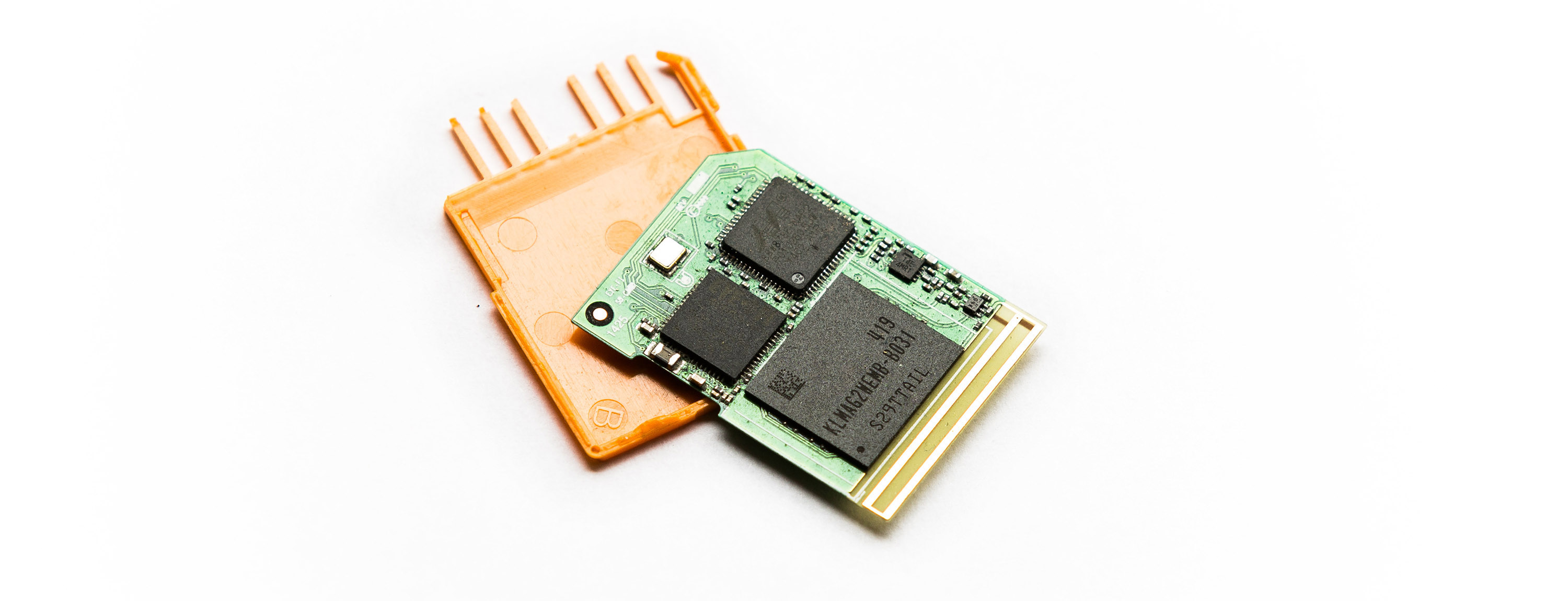 Eye-Fi Pro x2 16GB card + Wi-Fi (Wi-fi antenna visible in the lower part of the electronics)
 WHICH MEMORY CARD?
Size is an important factor. I mean not the capacity in GB, but the real dimensions of the card - primarily in terms of its physical durability. For that matter, certainly better than SD (Security Drive) cards are CF (Compact Flash) cards, on which I even sat down and did not broke them, but because everything is aimed at miniaturization, we can rarely find camera with a slot for such card. Only when using CF cards need to pay attention to thisHOW we insert the card because we can damage the communication pins in the camera or reader. You have to do it at a very straight angle. Currently, CF cards can be found only in professional cameras and camcorders - and not all manufacturers are using it.
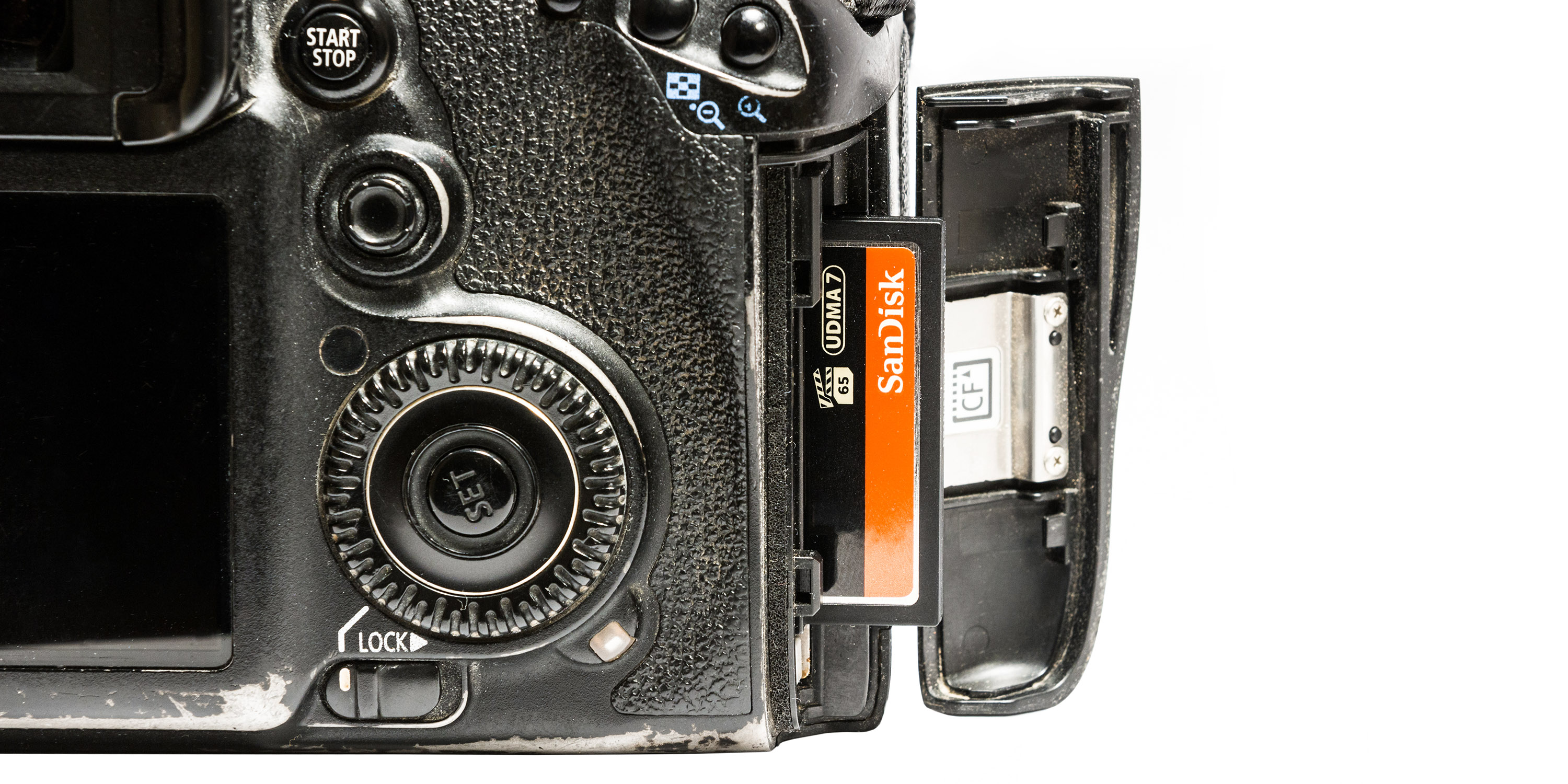 Canon 7D camera with visible CF card, which could be seen in the article "INFRARED PHOTOGRAPHY"
And when it comes to producers? Sandisk or Lexar are companies that professionals choose most often. Kingston, ADATA, GOODRAM, Verbatim, Sony and Samsung (and many others) are still on the market from reliable producers. The choice of cards from these manufacturers is a significant guarantee of security.
I remember when Sandisk won benchmarks of durability their cards and since then I have full trust for this company - the cards of this manufacturer have never let me down.
Canon 7D camera with visible CF card, which could be seen in the article "INFRARED PHOTOGRAPHY"
And when it comes to producers? Sandisk or Lexar are companies that professionals choose most often. Kingston, ADATA, GOODRAM, Verbatim, Sony and Samsung (and many others) are still on the market from reliable producers. The choice of cards from these manufacturers is a significant guarantee of security.
I remember when Sandisk won benchmarks of durability their cards and since then I have full trust for this company - the cards of this manufacturer have never let me down.
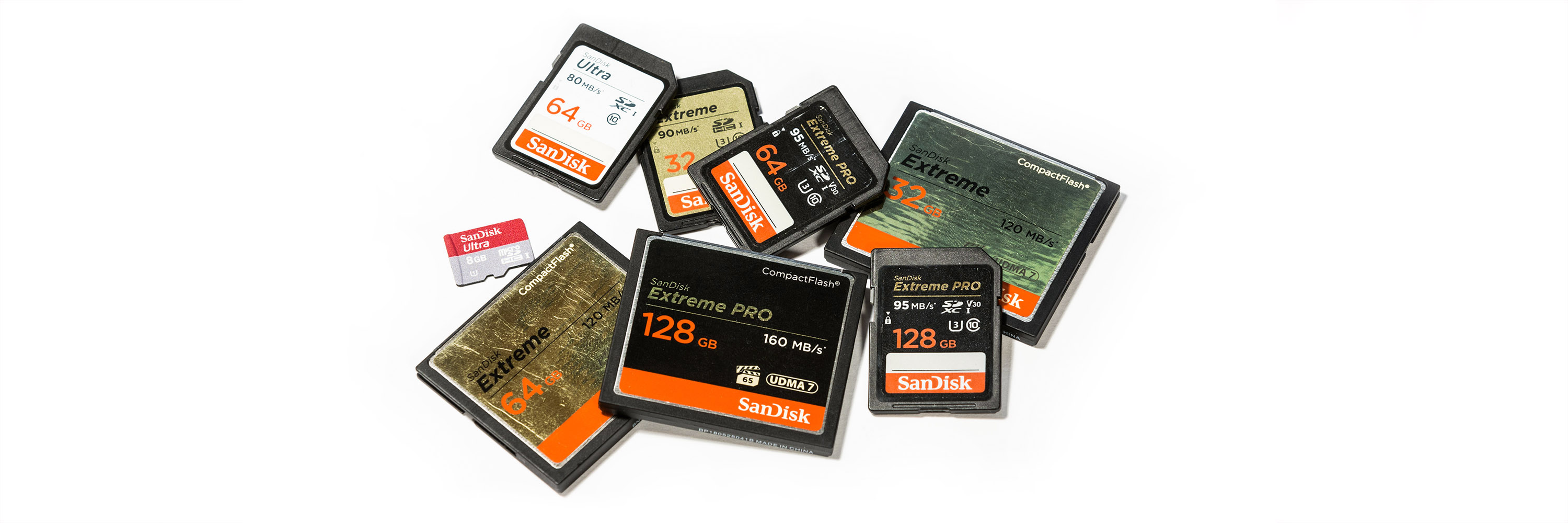 I would certainly stay away from the cards that can be found, for example, on Aliexpress ... Maybe they are very cheap, but I would not even risk them even for holiday photos. It is better to pay a little extra, buy a slower or smaller card, but from a proven manufacturer.
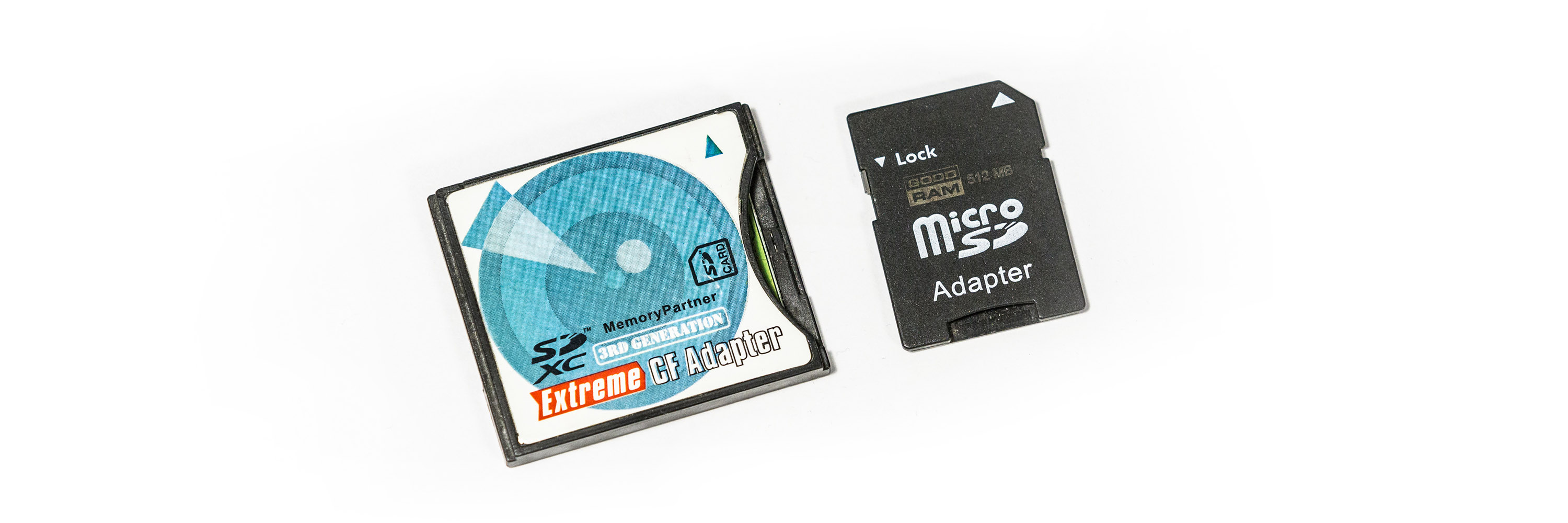
In addition, there is the issue of adapters - I personally damaged the SD to CF adapter once (SD card was inserted into the adapter size of a CF card). A similar situation may happen to us with the SD to microSD adapter, so I think it's not worth the risk. It's always another element that can fail.
I would certainly stay away from the cards that can be found, for example, on Aliexpress ... Maybe they are very cheap, but I would not even risk them even for holiday photos. It is better to pay a little extra, buy a slower or smaller card, but from a proven manufacturer.
In addition, there is the issue of adapters - I personally damaged the SD to CF adapter once (SD card was inserted into the adapter size of a CF card). A similar situation may happen to us with the SD to microSD adapter, so I think it's not worth the risk. It's always another element that can fail.
 DELETING PHOTOS OR FORMAT?
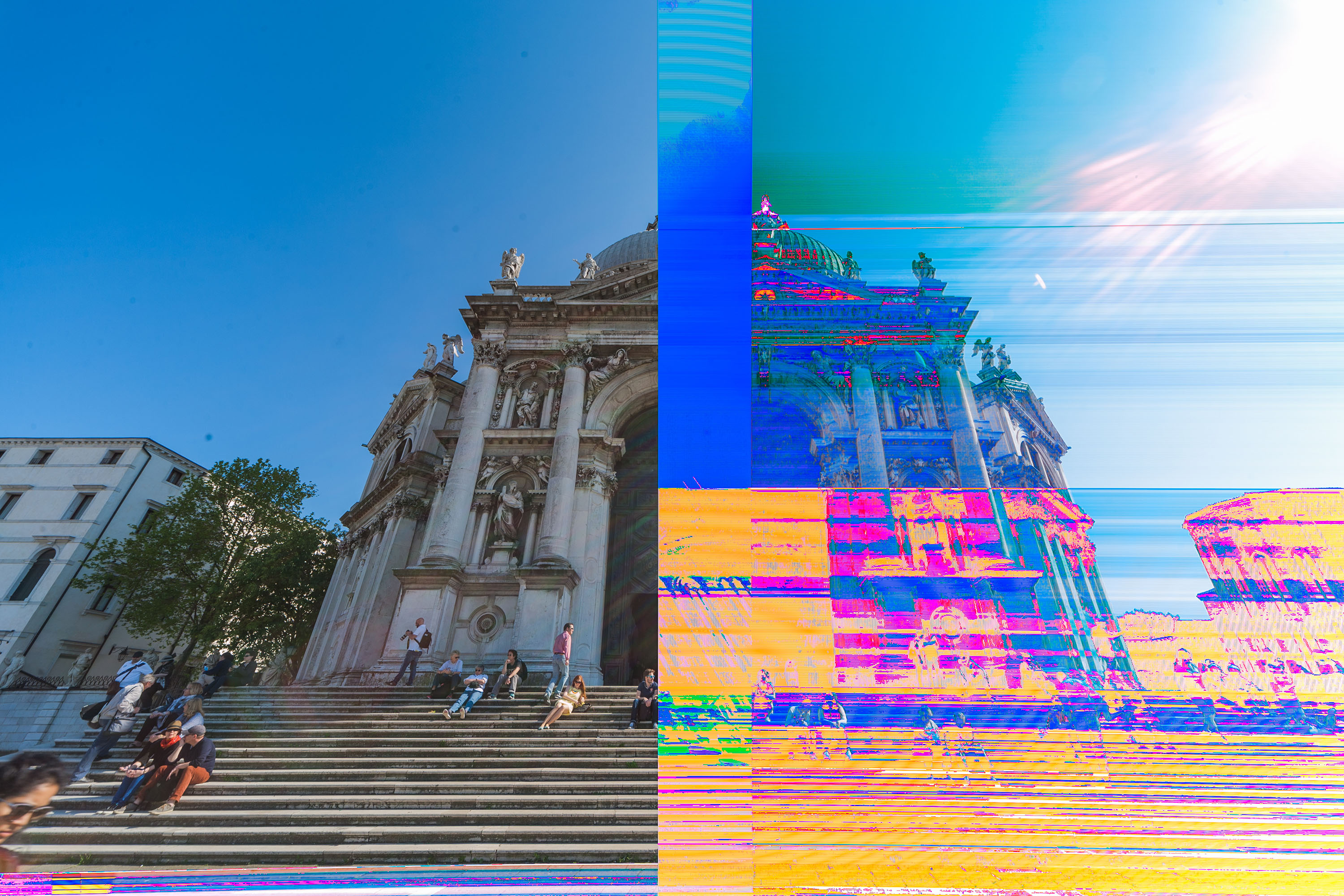
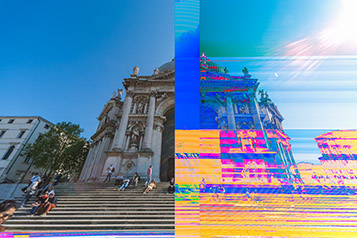
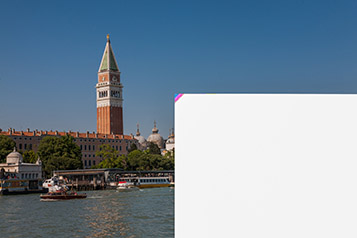
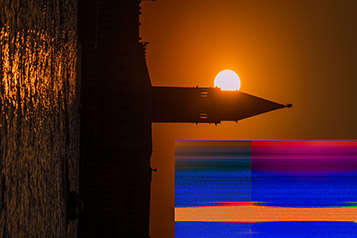
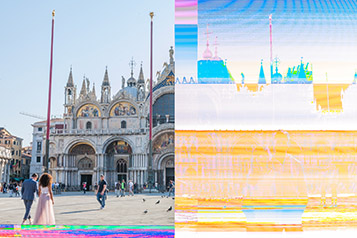
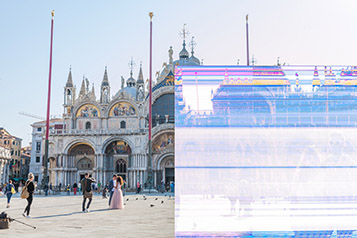
In the camera or on computer we have option of deleting photos individually or all at once. It would seem that after all it is a completely normal matter and does not affect anything. Often, during event photos, where in my free time I wanted to look over and throw away unwanted photos for various reasons, I did it. But when downloading photos to the computer, it happened to me that several photos were damaged few times. I have not read anywhere on the Internet that I should format the card - after all, we delete files on the computer many times and everything is "OK" (except that it was once said that from time to time you need to do format of the disk, but somehow I did not combine these facts). After some time, I thought that on the camera I used more for fun it happens much more often. At one point it dawned on me: I didn't format the cards on it too often! One time I went to Italy, where I took my holiday camera - Canon 5D. Great camera, but before leaving I didn't format the card and I had a few photos that I didn't want to lose. There was no problem, I had a large card, in addition I had few others, so I just removed the unwanted pictures and decided that I would take a risk. As you can guess in such a city rich in relics like Venice, I took many photos of course as always in RAW format. Interestingly, the camera adds thumbnails for it own needs, on which I did not see any damage, but when I got home and took care of the pictures I saw what happened. Although the result was not bad I had about 1-2% of damaged photos. It may not sound tragic, but it turned out that several photos I cared about were damaged. Below are some examples of defective files:







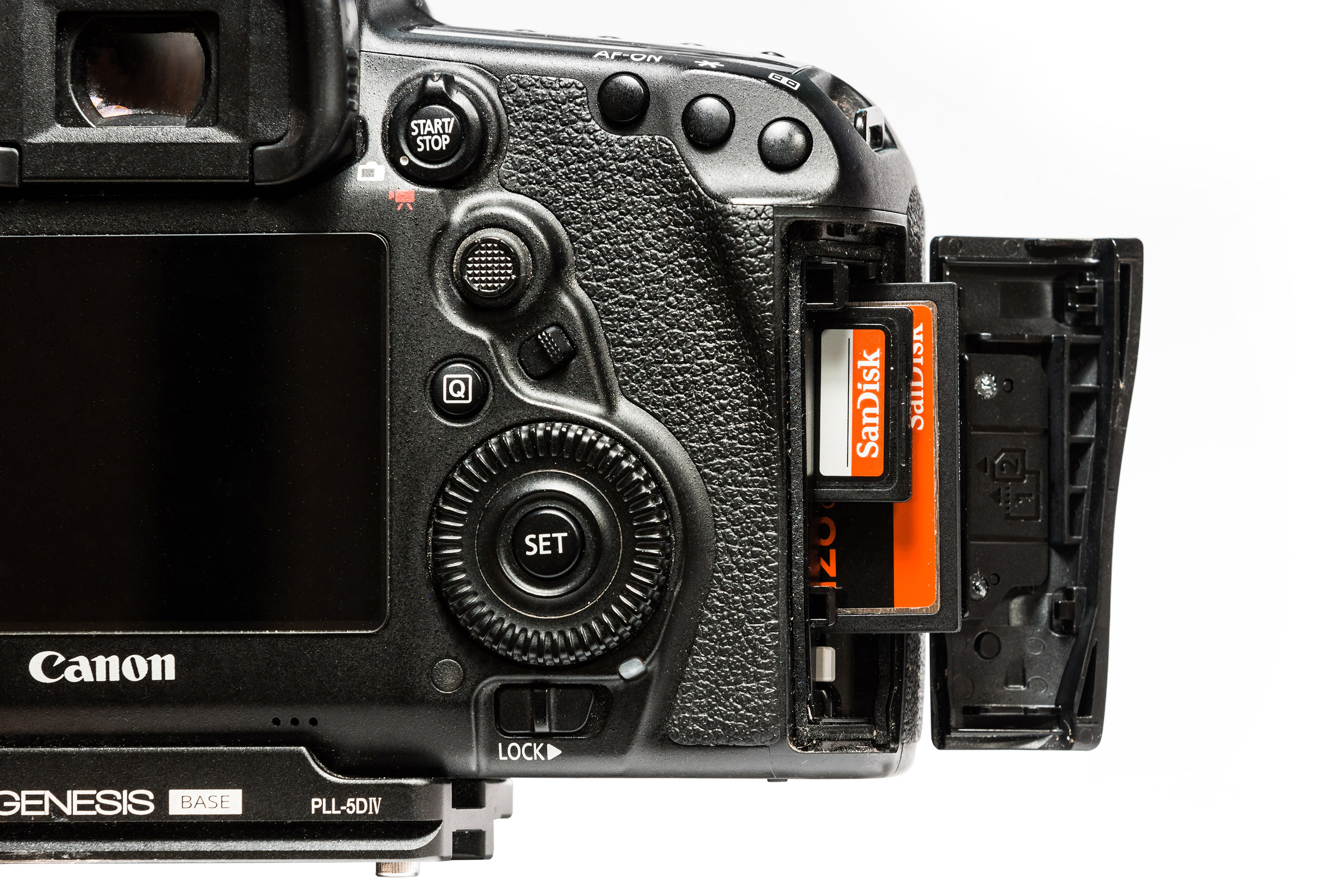 Open Canon 5D mark IV cover with two cards visible - SD and CF
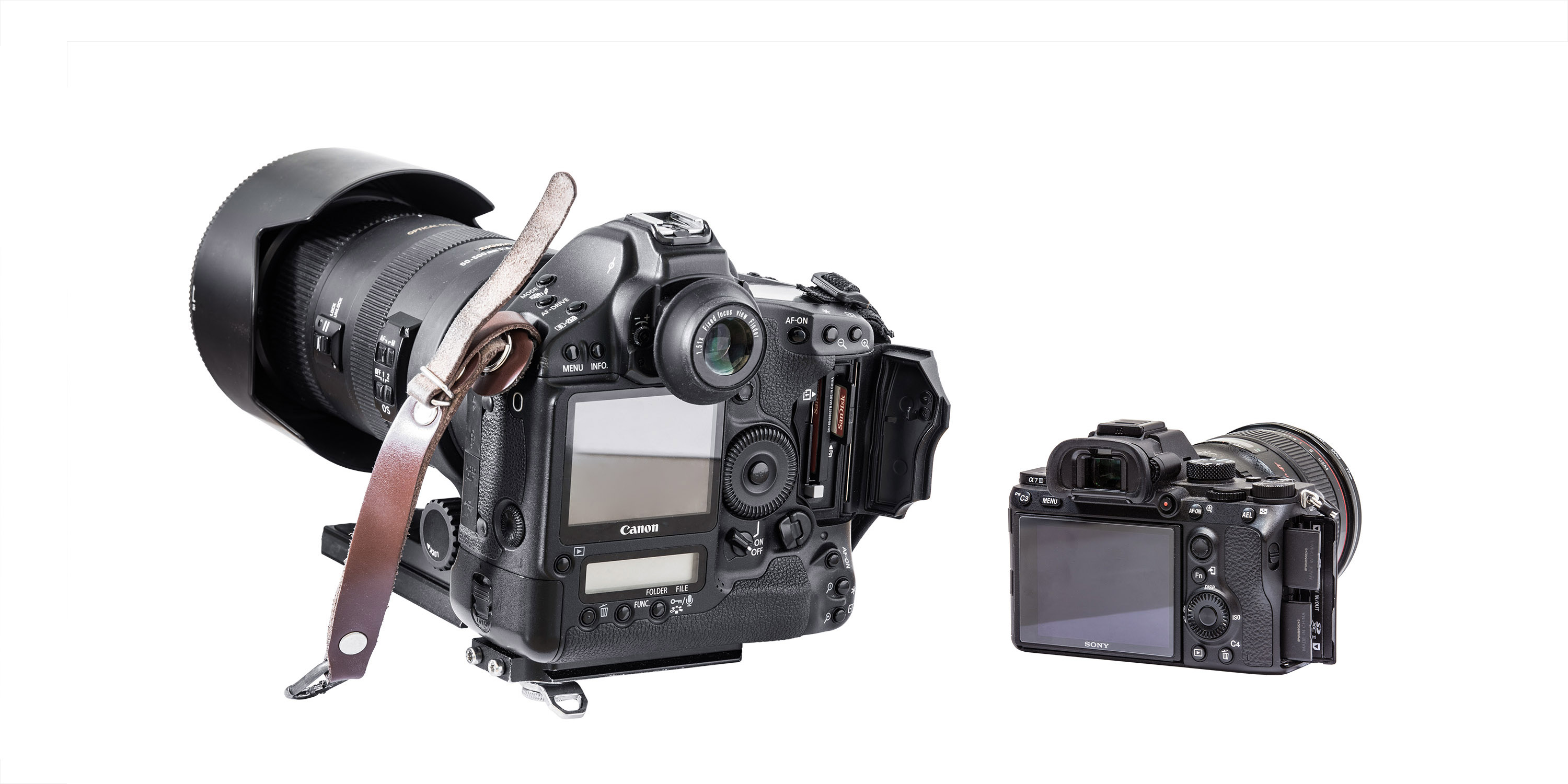
If we are talking about the Canon 1D series, then below we can see a comparison of 1Ds mark III and Sony a7 III - from the third generation Sony models also support double recording, so you can safely use them for professional work despite poor ergonomics.
Open Canon 5D mark IV cover with two cards visible - SD and CF
If we are talking about the Canon 1D series, then below we can see a comparison of 1Ds mark III and Sony a7 III - from the third generation Sony models also support double recording, so you can safely use them for professional work despite poor ergonomics.
 And video cameras?
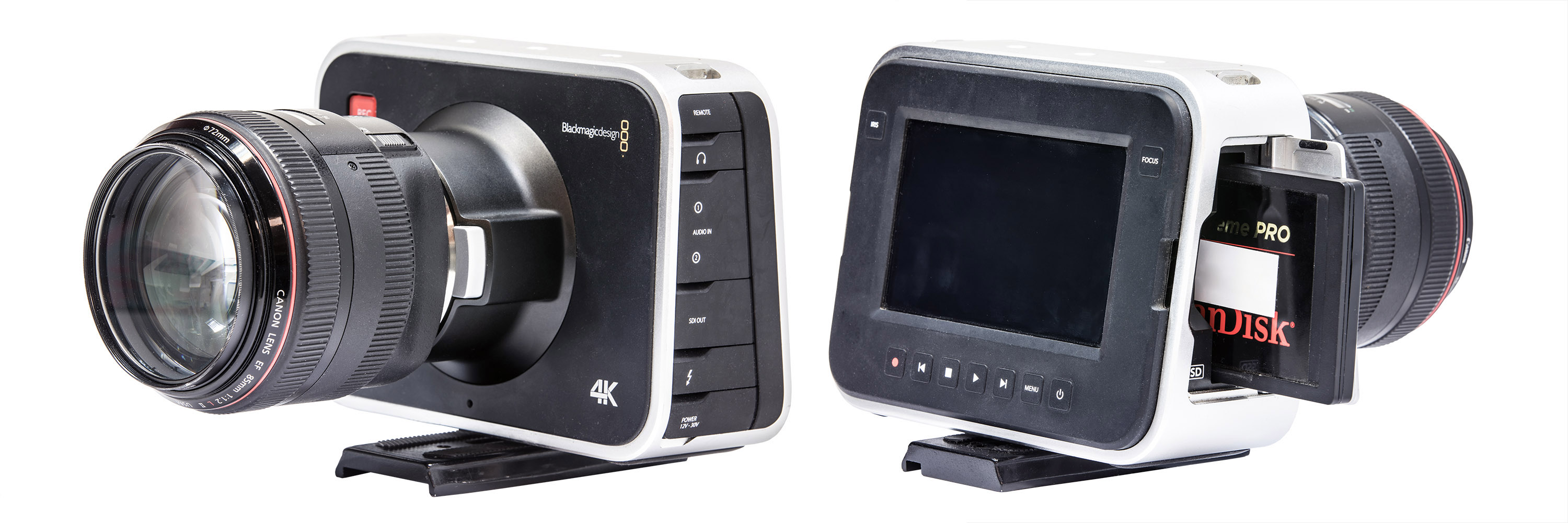
Professional systems, such as the Black Magic camera equipped with a unique sensor with a global shutter, allows you to save footage in RAW. To record videos in the quality of 30 RAW photos per second in 4K format, you need amazing write speed ... Such as SSD drives have.
This is how this camera is equipped. Unfortunately in only one but for data to be safe, the camera has a special SDI output to output the signal to an additional recorder.
And video cameras?
Professional systems, such as the Black Magic camera equipped with a unique sensor with a global shutter, allows you to save footage in RAW. To record videos in the quality of 30 RAW photos per second in 4K format, you need amazing write speed ... Such as SSD drives have.
This is how this camera is equipped. Unfortunately in only one but for data to be safe, the camera has a special SDI output to output the signal to an additional recorder.
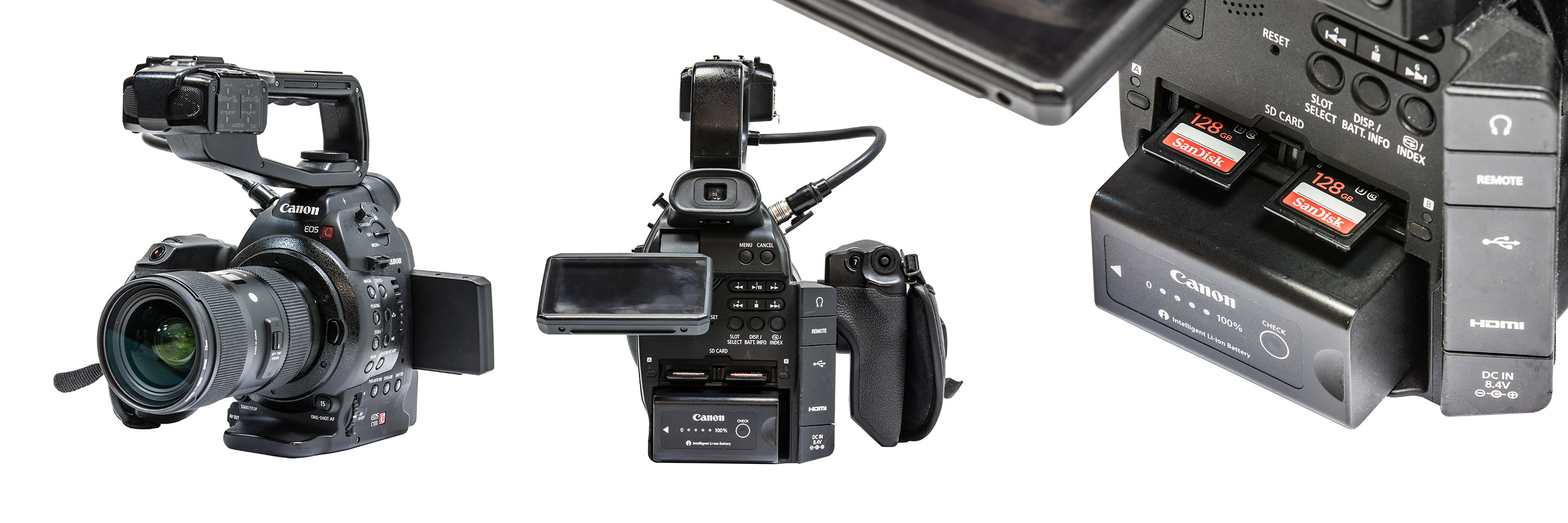
 In turn Canon C100 camera not only records files at two cards at once, but also has an HDMI output for connecting an external recorder or monitor. Here, the chance of video loss is negligible.
 SUMMARY
In short: in order to avoid above problems, we should buy cards from proven manufacturers, in addition it is worth having several of them, so that the potential losses are smaller. We try not to delete photos, and the cards should be formatted instead of just removing content from them. And if you are a professional who, for example records unique situations such as weddings or some large events ... You should definitely equip yourself with a gear that records files on two cards simultaneously. Personally, I would not accept, for example situation when I had to tell someone that I don't have photos from his wedding "because card failed". I hope that thanks to this article you will someday avoid unpleasantness related to the loss of photos from moments important for you. In gallery below you will find a few photos from beautiful Venice, which I safely brought home :) Andrzej - OTHER ARTICLES -
GALLERY: Venice 05.05.2016:
 1/3200 sec F8 ISO 200
 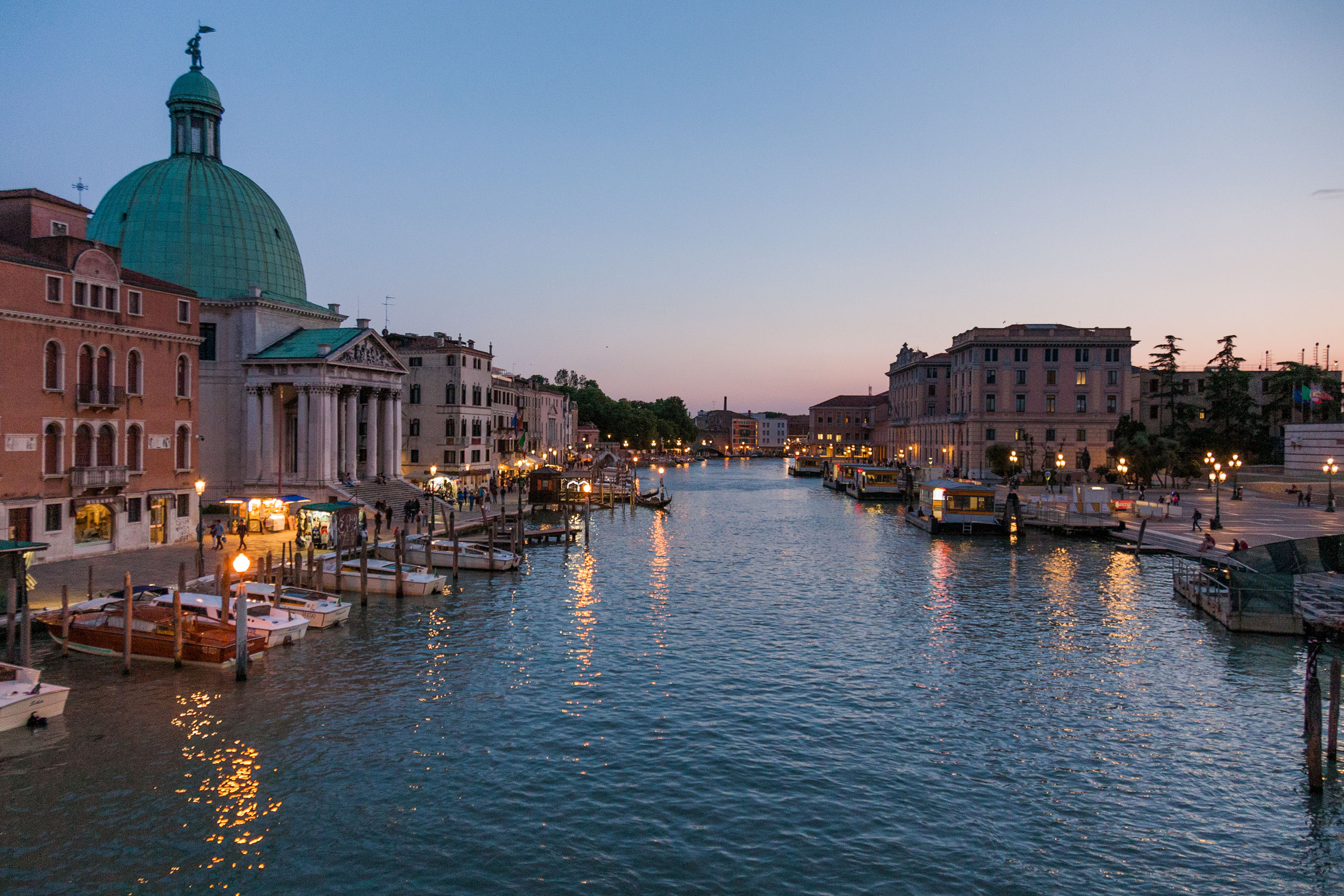 1/30 sec F4 ISO 1600
  1/320 sec F9 ISO 100
 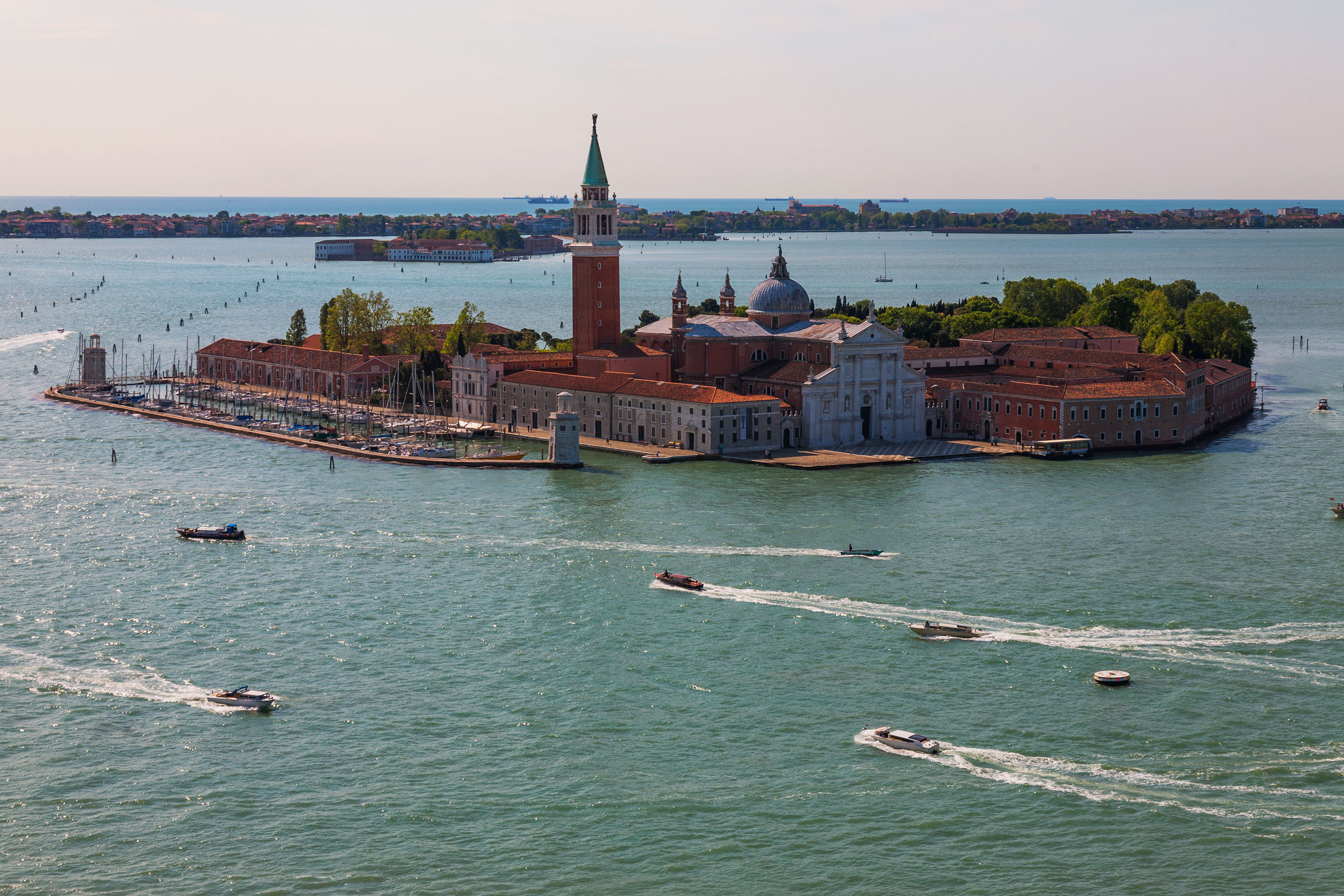 1/320 sec F9 ISO 100
 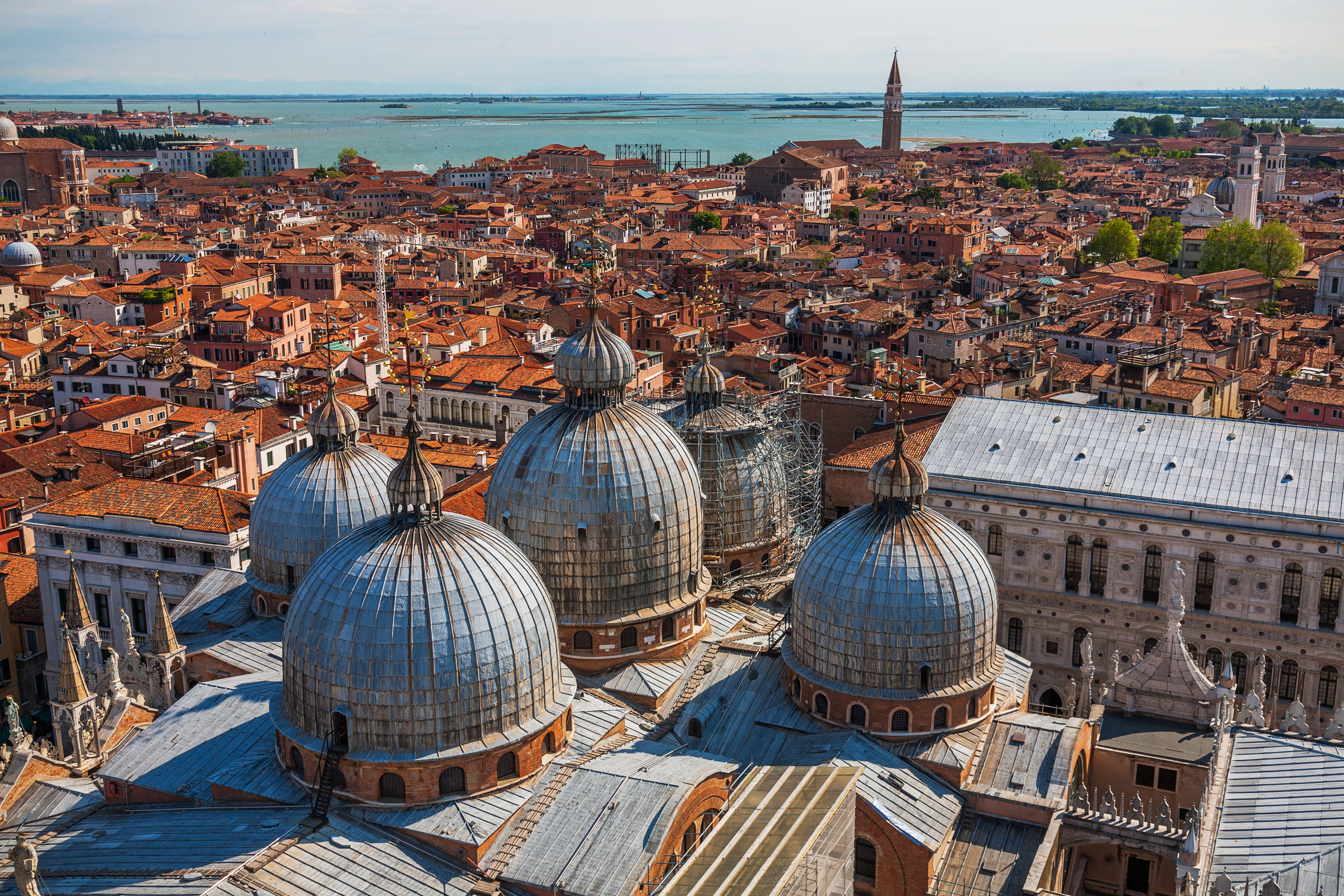 1/160 sec F9 ISO 100
 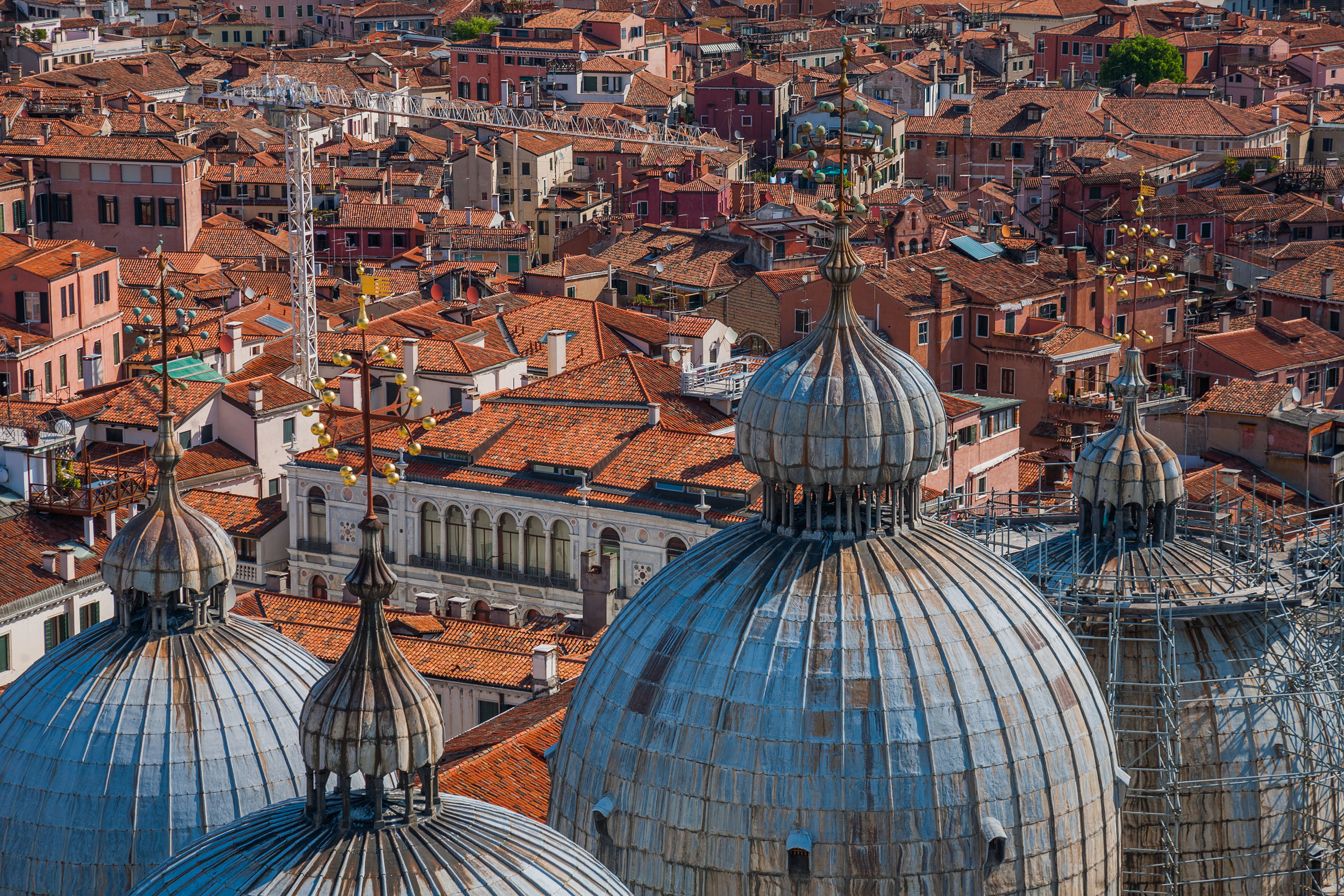 1/160 sec F9 ISO 100
 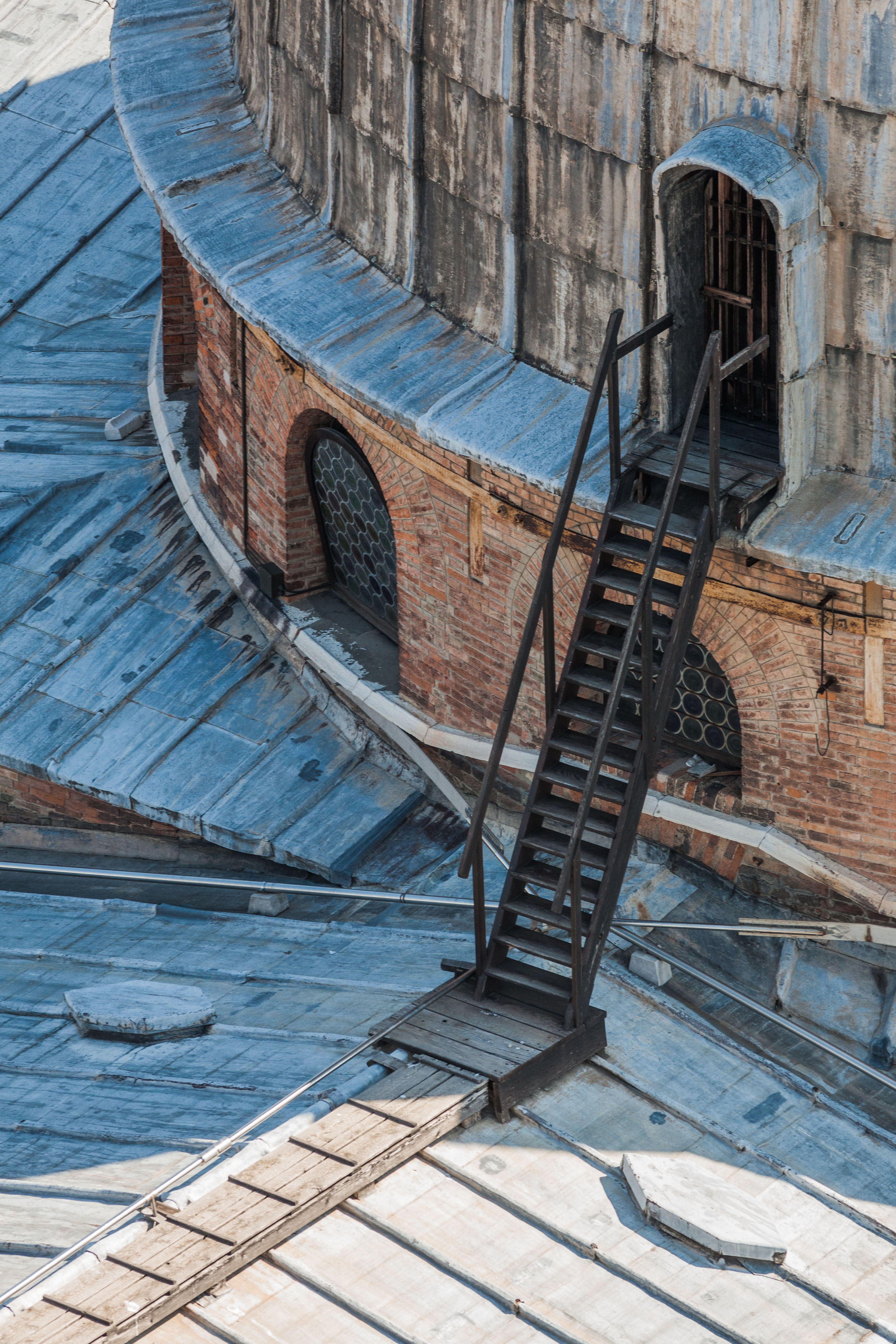 1/320 sec F9 ISO 400
 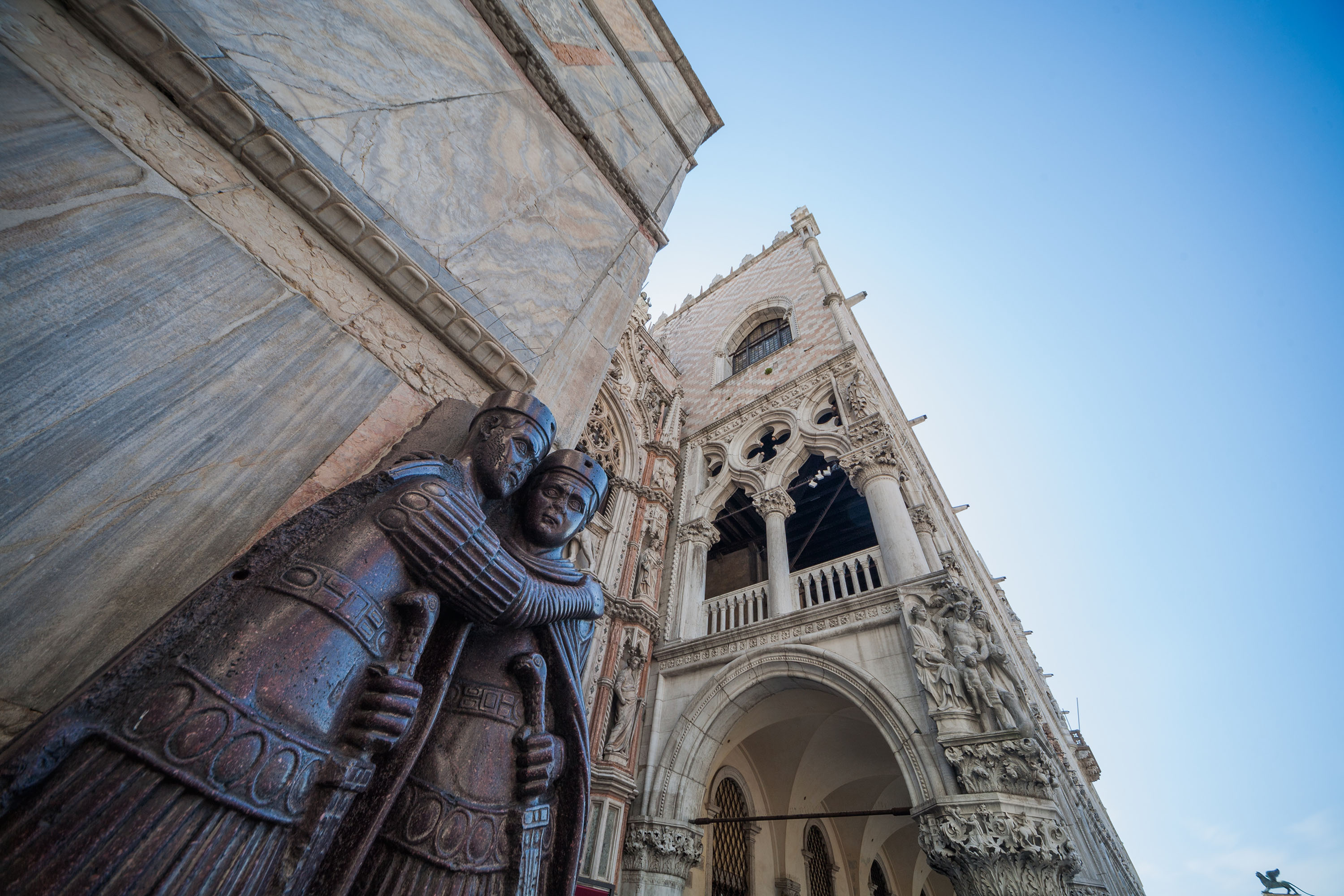 1/50 sec F9 ISO 100
 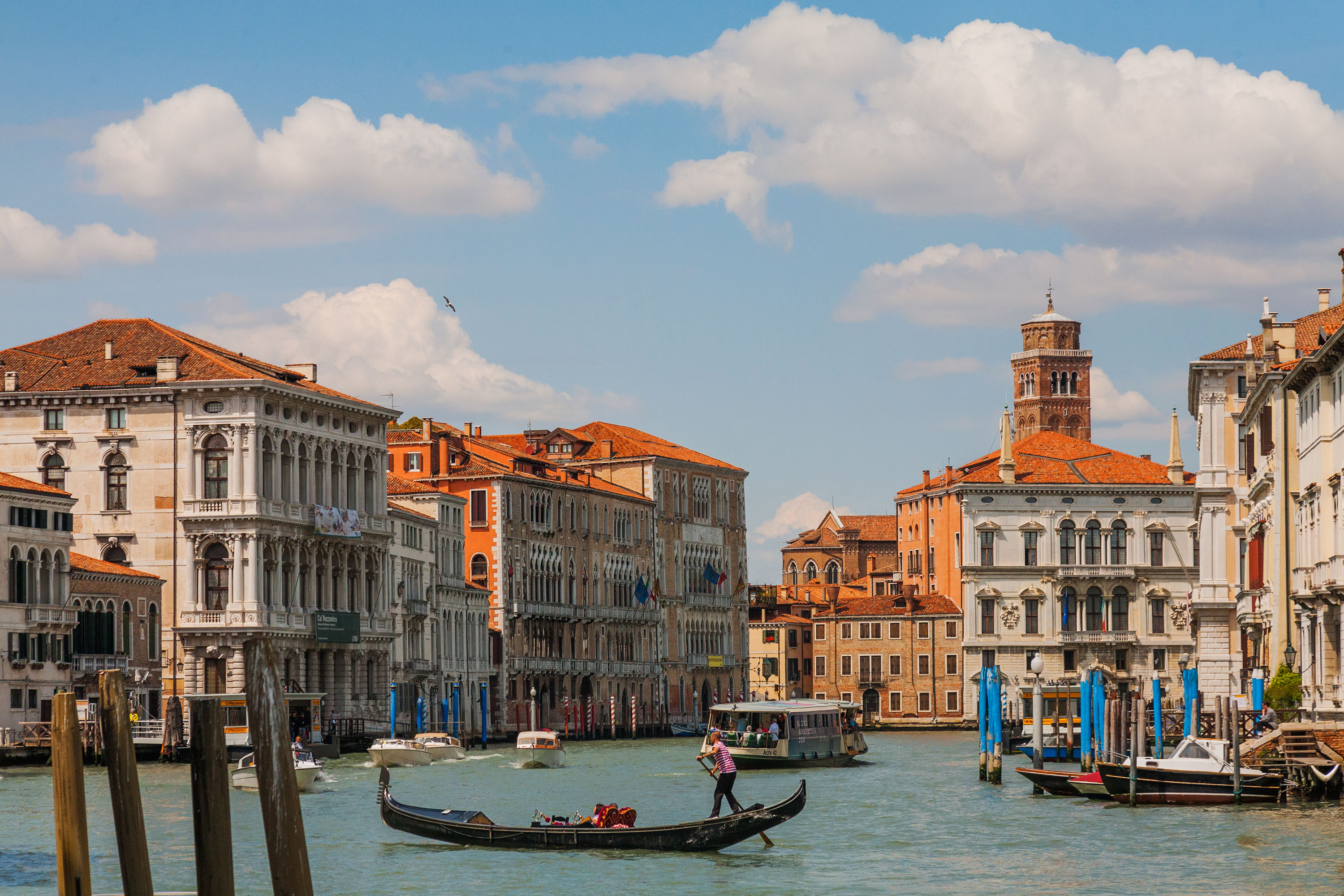 1/2500 sec F9 ISO 1250
  1/4000 sec F9 ISO 1250
 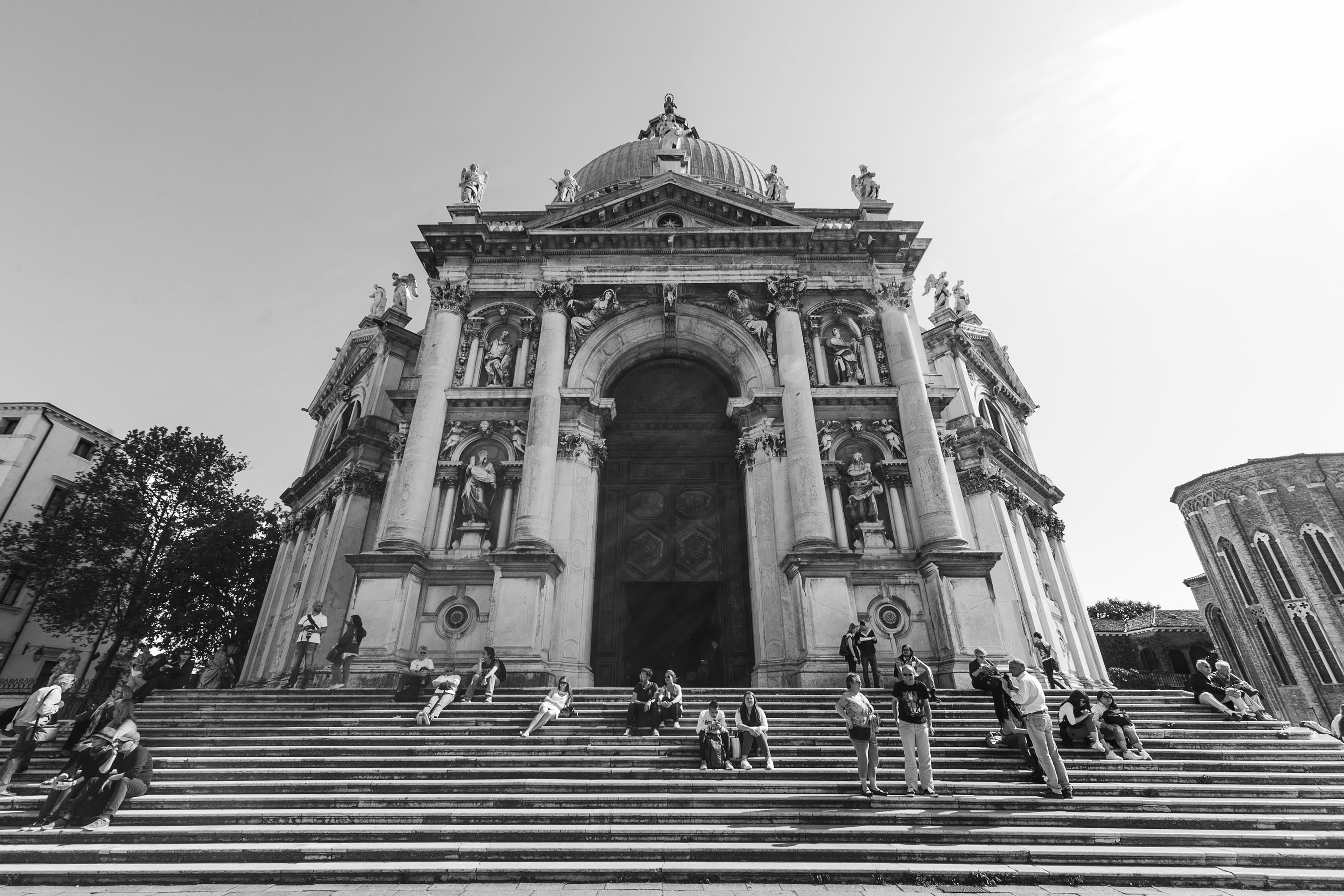 1/50 sec F11 ISO 100
  1/30 sec F11 ISO 100
  1/8000 sec F4 ISO 250
 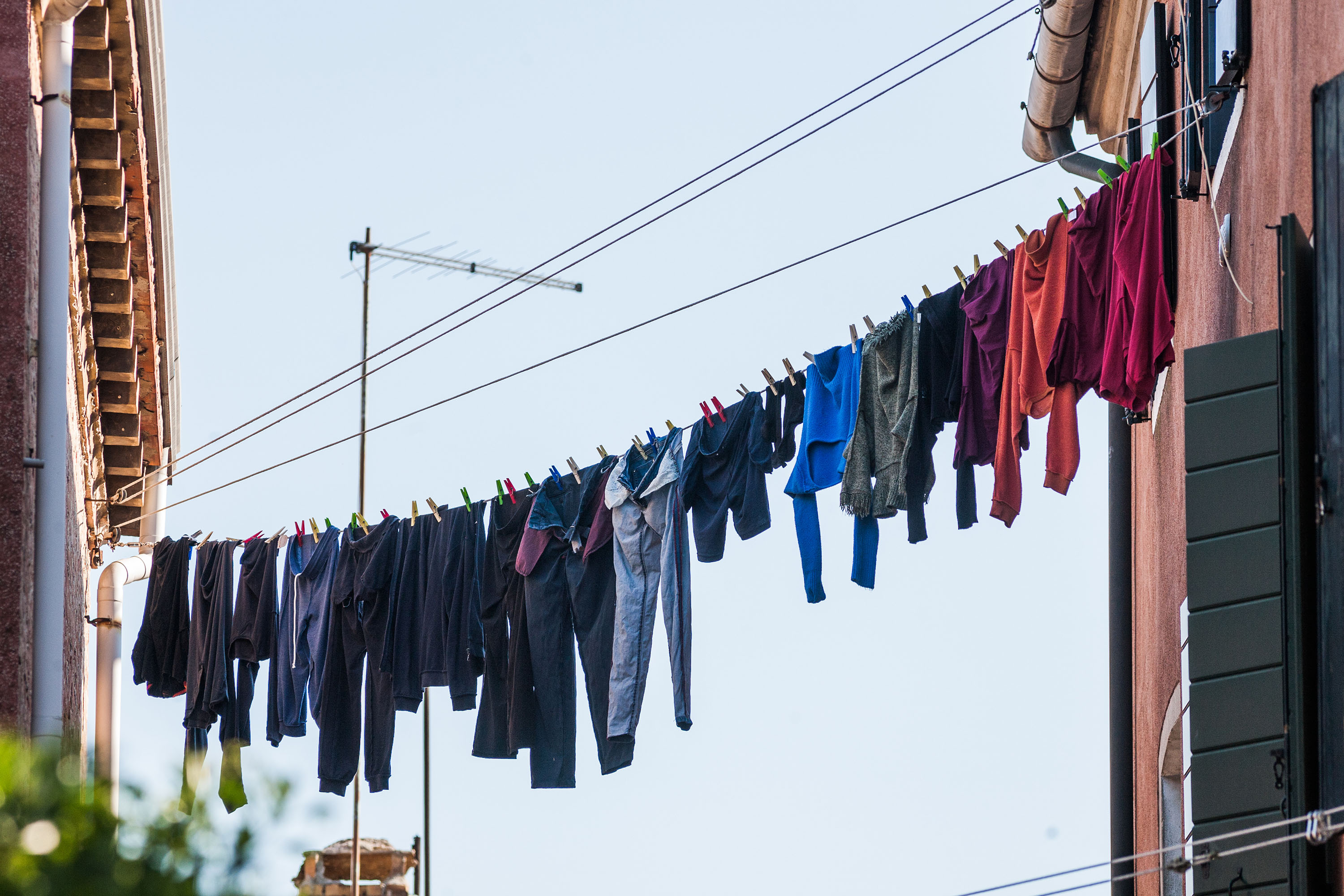 1/640 sec F6.3 ISO 400
  1/500 sec F8 ISO 200
  1/400 sec F8 ISO 800
  1/100 sec F9 ISO 200
 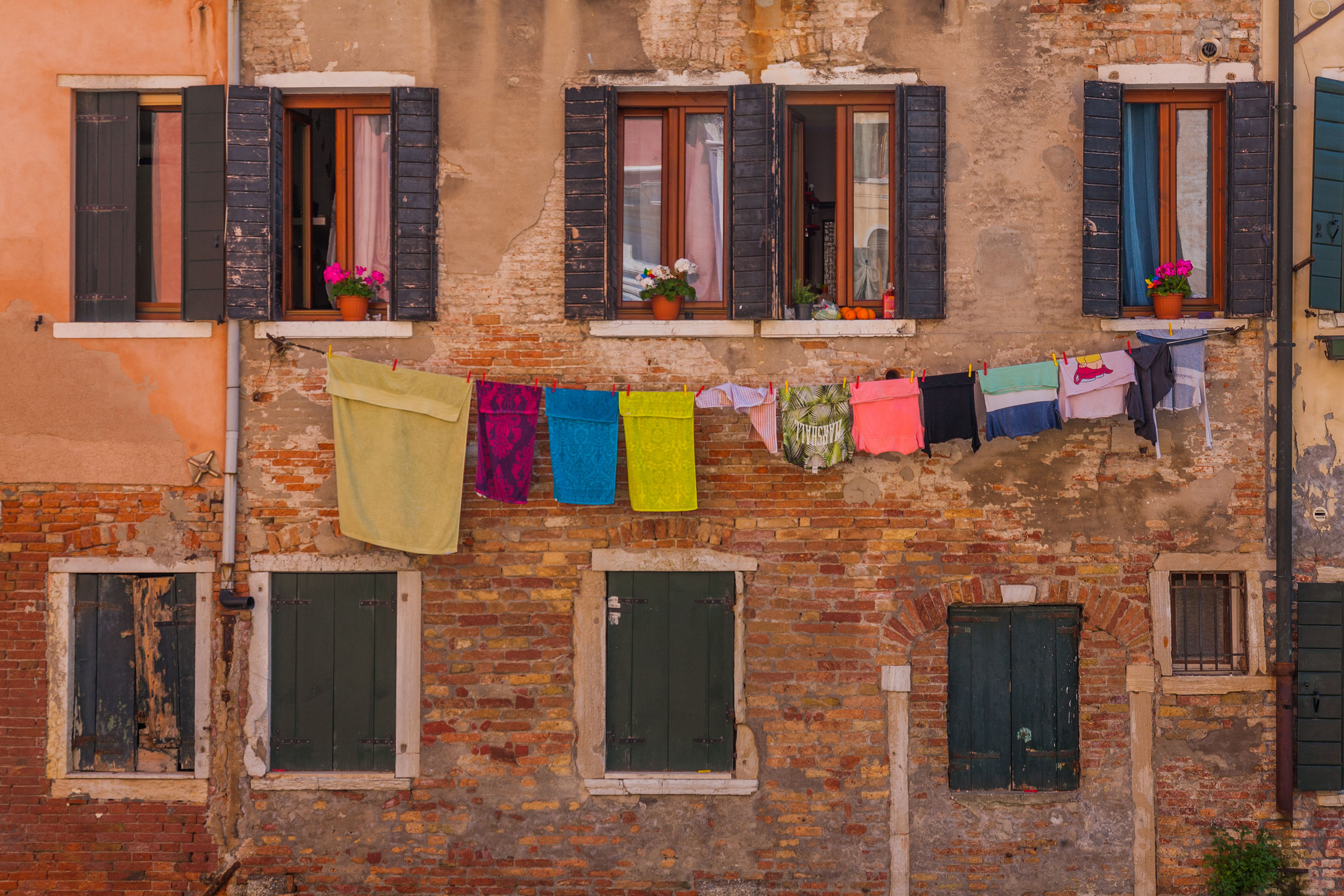 1/100 sec F9 ISO 200
  1/400 sec F9 ISO 200
 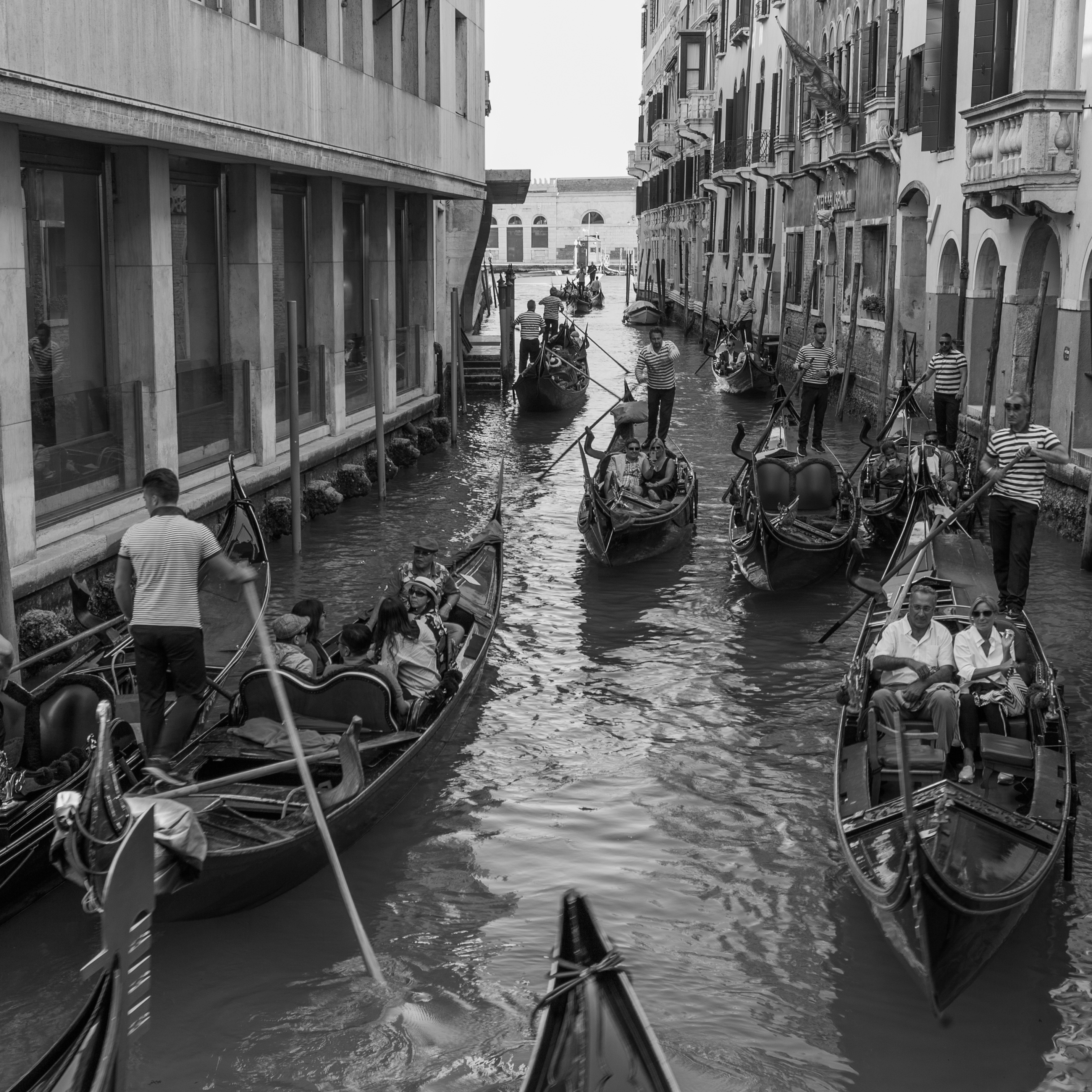 1/20 sec F8 ISO 100
  1/1000 sec F10 ISO 100
  1/1000 sec F8 ISO 100
  1/15 sec F5 ISO 100
 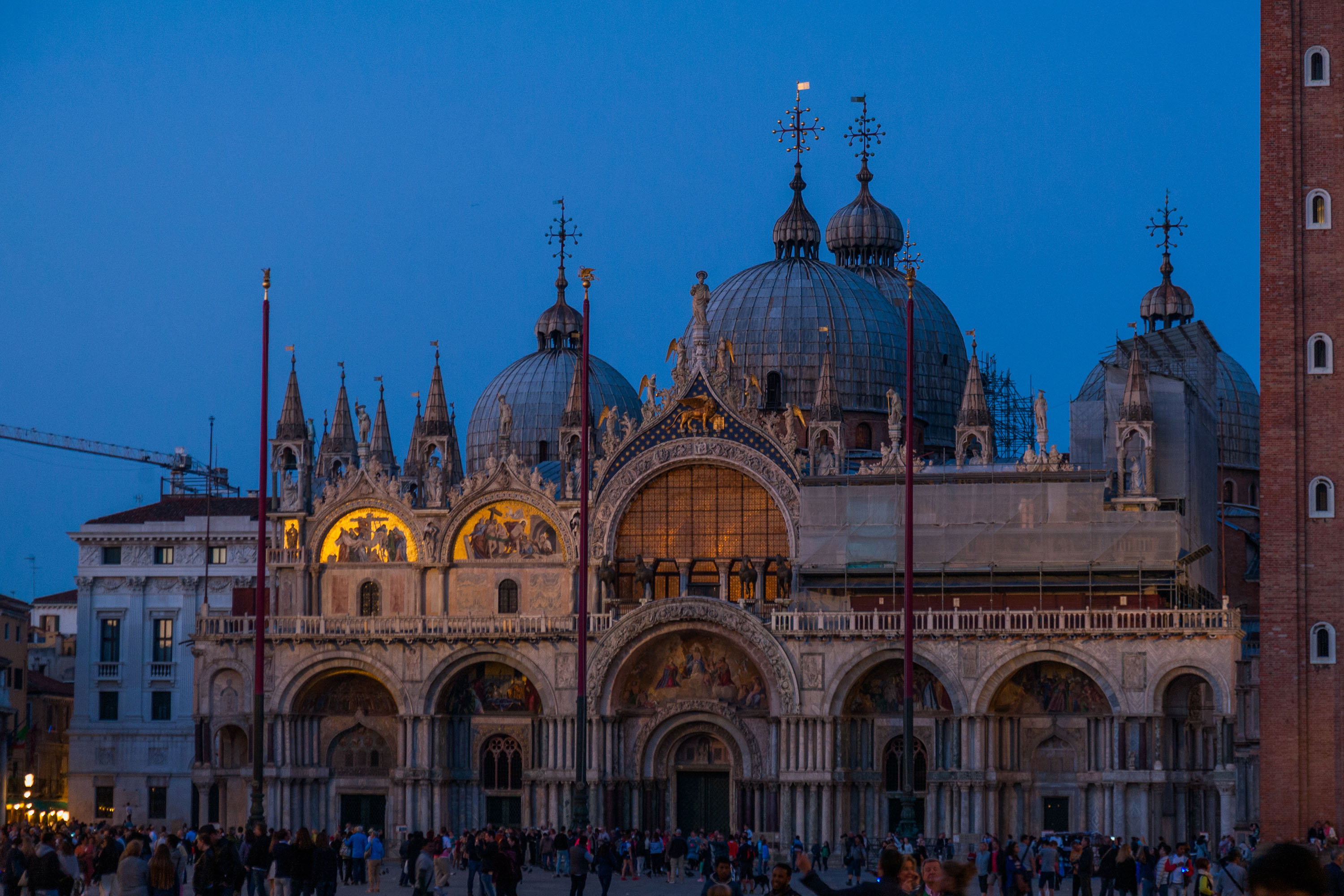 1/100 sec F4 ISO 100
 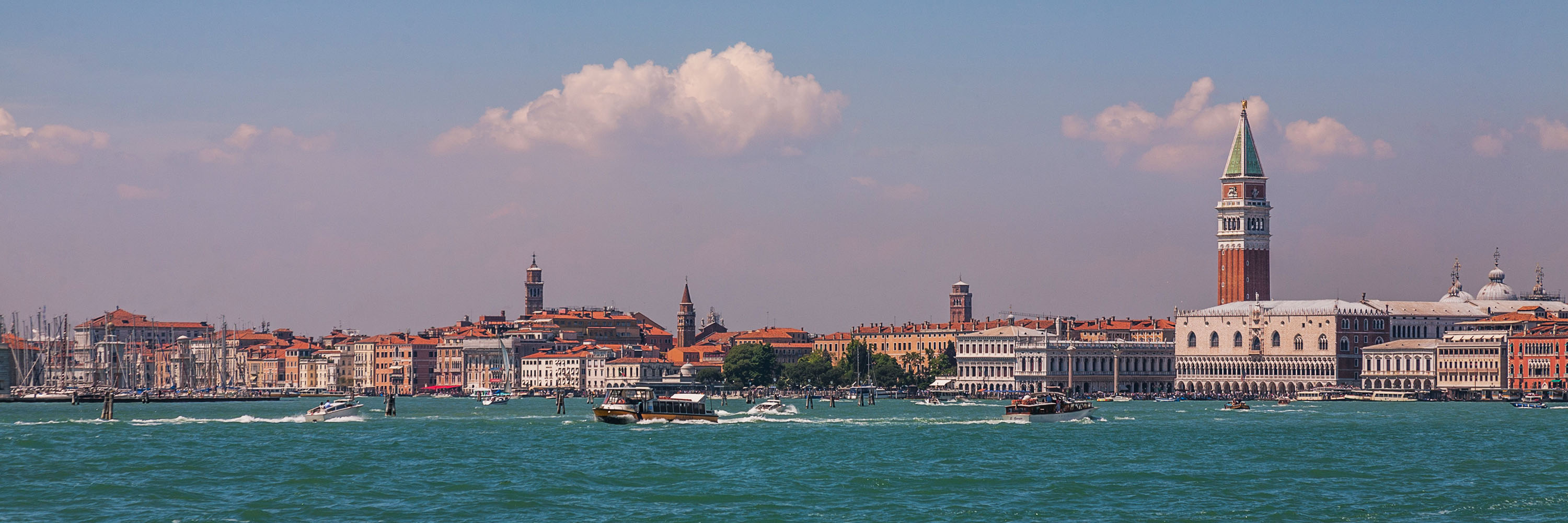 1/320 sec F10 ISO 100
 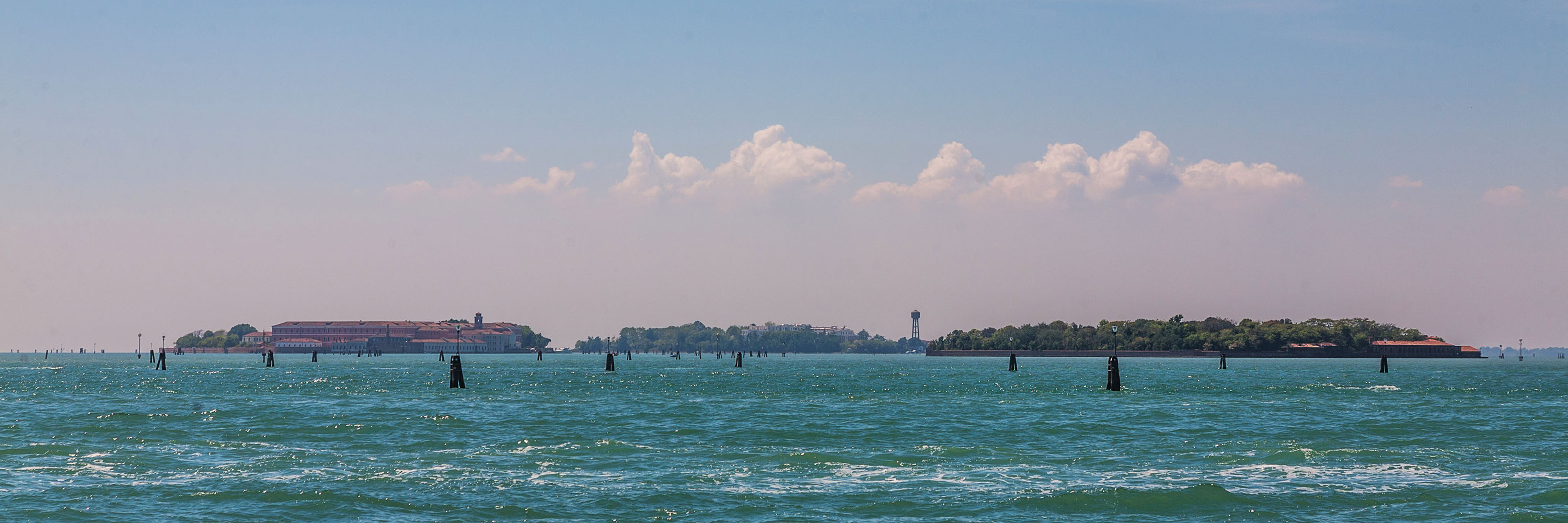 1/400 sec F10 ISO 100
 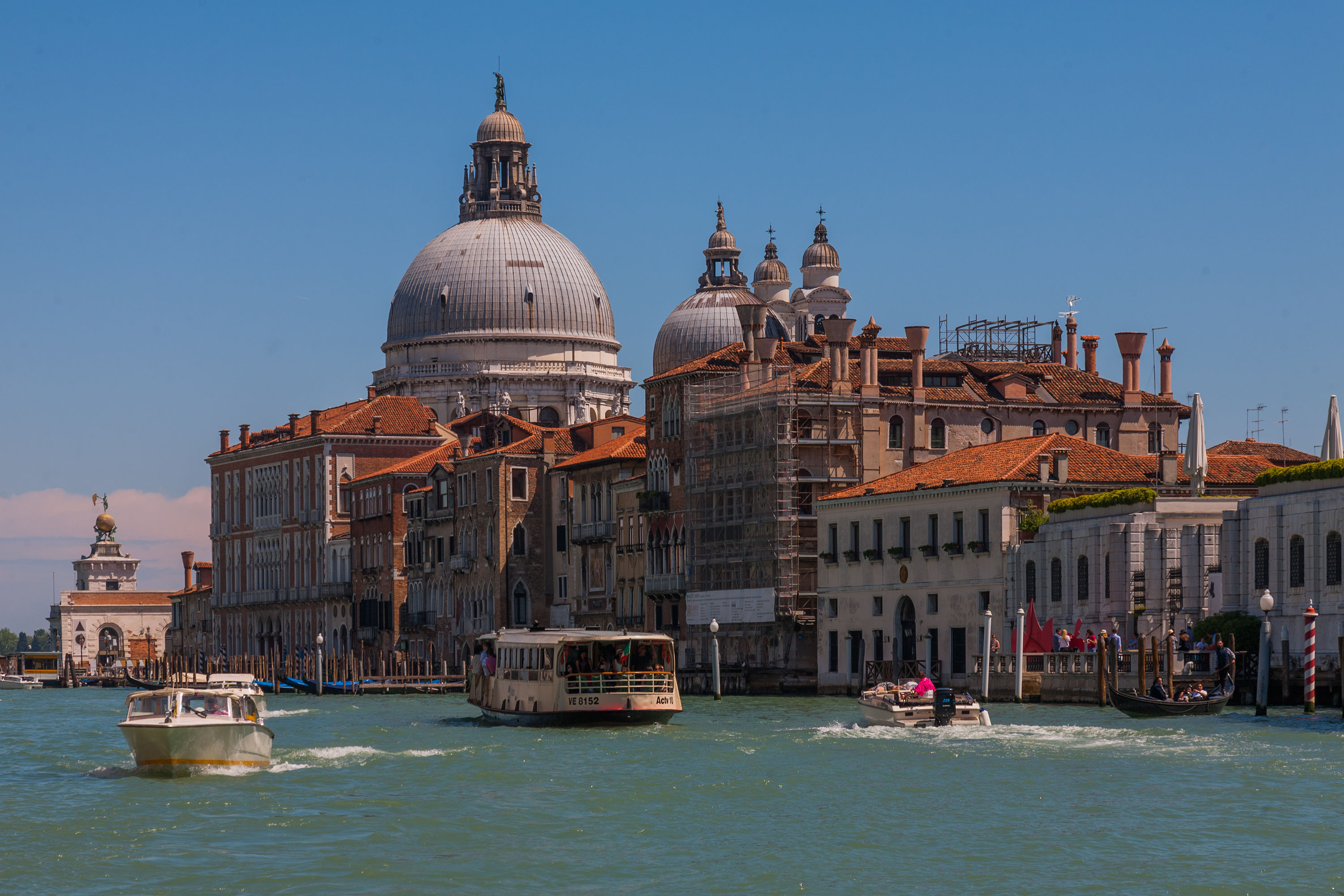 1/200 sec F10 ISO 100
  Youtube
 Facebook
 Instagram
 Linkedin